

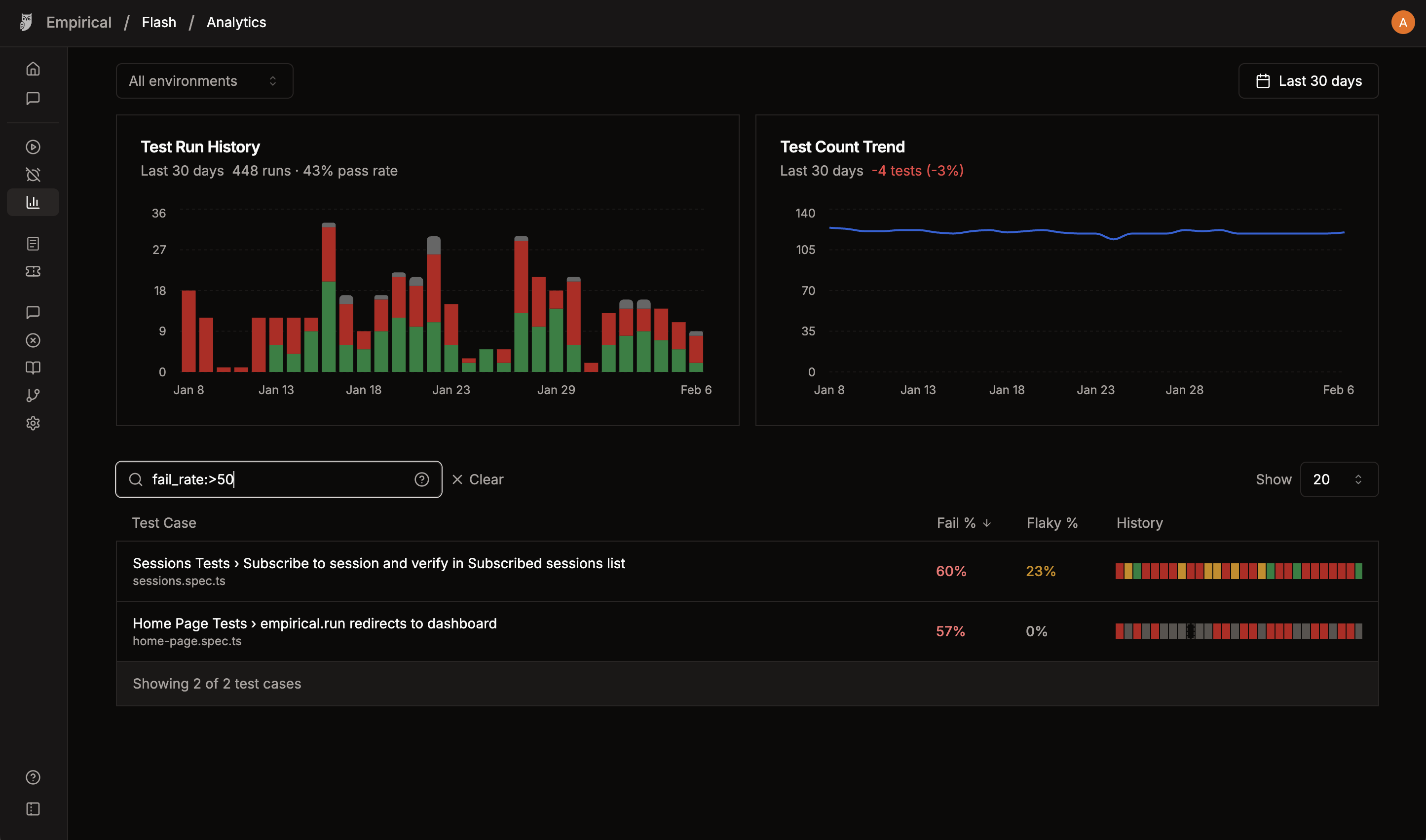
Search syntax
Type these patterns in the search bar to filter test cases.Text search
Field filters
Metric filter operators
flaky_rate, fail_rate, flaky_count and fail_count accept >, >=, <, <= and =. Without an operator, the filter uses >=.
Examples
Search from the API
To use the same syntax with the Test case analytics API, pass the URL-encoded query as thesearch parameter:
login flaky_rate:>10 -tag:known-flaky: login tests with a flaky rate above 10%, excluding tests tagged known-flaky.